

A client was recently encountering an issue at scale that required a lot of Windows Event log sleuthing.
More sleuthing than I was comfortable with, honestly.
Windows Event Logs are a goldmine of diagnostic data. They’re also a challenge to wield at scale if you haven’t given your pound of flesh to the likes of Splunk or Datadog.
Let’s make this simpler.
The Script
What It Does
This script queries Windows Event Logs using four parameters:
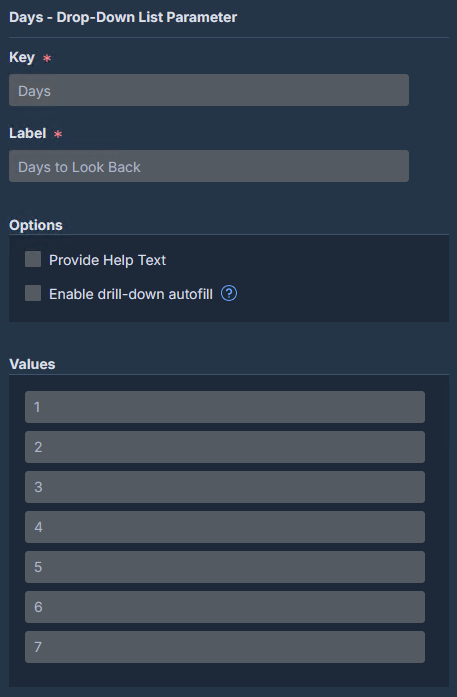
- Days:
- How far back to look.
- Recommend a maximum value of 7 to keep it performant for Sensor utilization
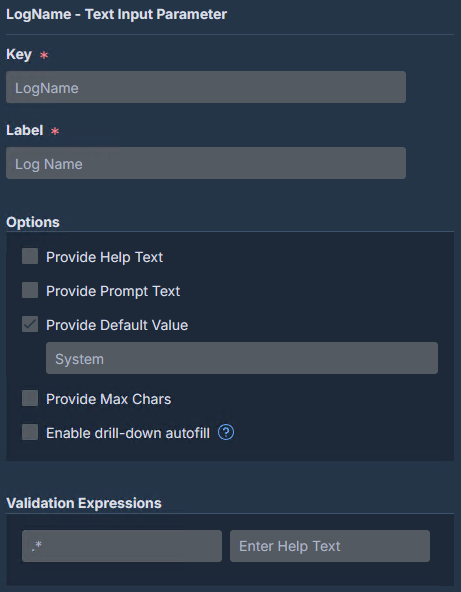
- LogName:
- Which event log to query
- ProviderName:
- The event source/provider
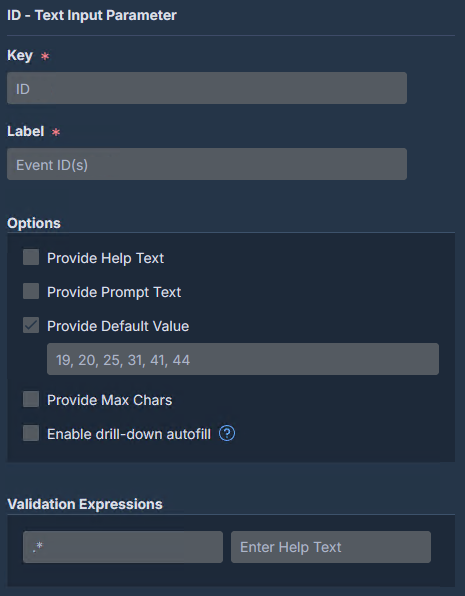
- ID:
- Comma-separated list of Event IDs
It returns structured, delimiter-friendly output suitable for Tanium’s multi-column parsing.
How It Works
1. Parameter Ingestion and Validation
The script pulls in Tanium sensor parameters and validates them up front:
$Days = [System.Uri]::UnescapeDataString("||Days||")
$ID = [System.Uri]::UnescapeDataString("||ID||")
$LogName = [System.Uri]::UnescapeDataString("||LogName||")
$ProviderName = [System.Uri]::UnescapeDataString("||ProviderName||")
If any required parameter is missing or still contains the ||param|| placeholder, the script exits with a clear error message.
Fail fast, y’all…it’s important in custom content.
2. Build the Filter
$EventViewerFilter = @{
    StartTime    = (Get-Date).AddDays(-$DaysInt)
    LogName      = $LogName
    ProviderName = $ProviderName
    ID           = $IDArray
}
This hash table feeds directly into Get-WinEvent -FilterHashtable, which is substantially more performant than filtering after the fact.
3. SID Resolution
Many events record a User SID rather than a friendly account name. The script includes the small subfunction Get-UserNameFromSid which attempts resolution through three methods:
- NET LSA Translation:
- Handles domain accounts and well-known SIDs
- CIM Win32_UserAccount:
- Catches local accounts
- Registry ProfileList:
- Last resort for profiles that exist on disk
If all three fail, you get the raw SID. If the SID is null (common for SYSTEM-context events), you get “SYSTEM” instead of an error.

4. Structured Output
Each event is written as a delimited string:
TimeCreated~EventID~OpCode~Message~Account~SIDMessages are sanitized, newlines collapsed, excessive whitespace trimmed, and length capped at 500 characters to avoid Tanium column overflow issues.
The Sensor
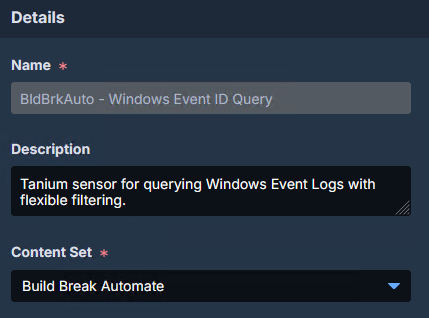
Details
- Name:
- BldBrkAuto – Windows Event Log Query
- Description:
- Queries Windows Event Logs based on provider, log name, and event IDs
Parameters
Days
ID
LogName
ProviderName

Settings
- Category:
- Windows Events
- Result Type:
- Text
- Split into multiple columns:
- Checked
- Use Delimiter:
- ~
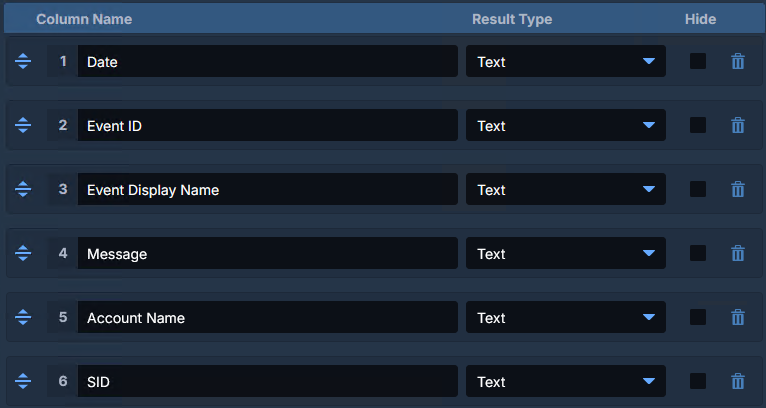
Column Names
| Column | Type |
|---|---|
| Date | Text |
| Event ID | Text |
| Event Display Name | Text |
| Message | Text |
| Account Name | Text |
| SID | Text |
Examples
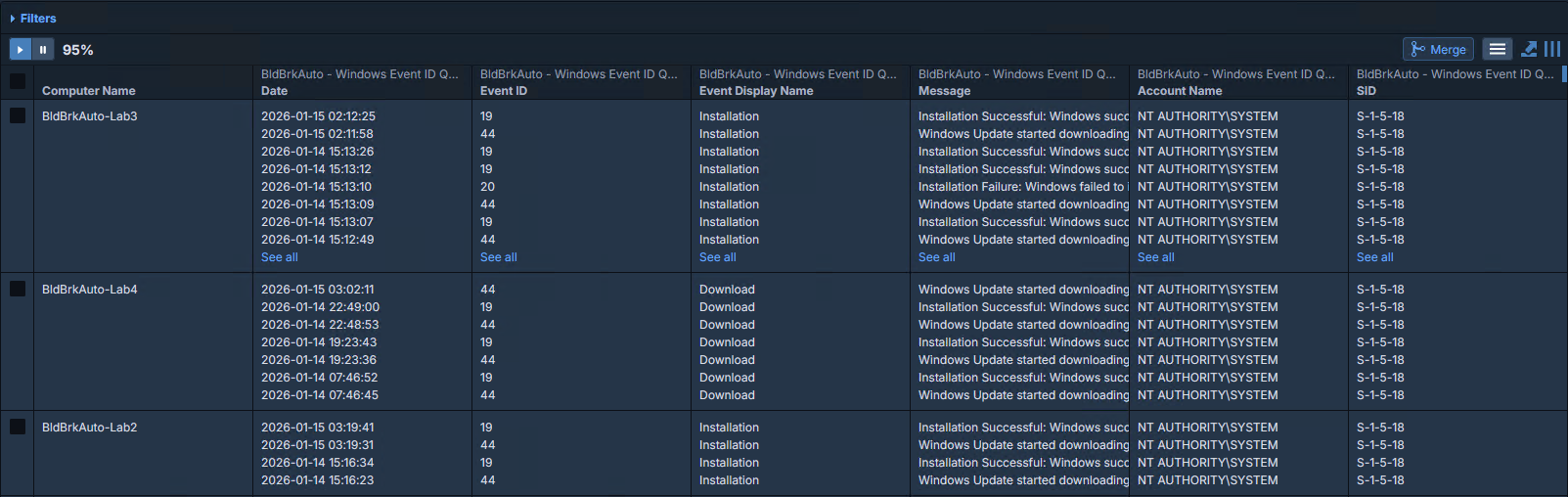
Windows Update Client Events
The bread-and-butter query for “is Windows Update actually doing anything right now?”
| Parameter | Value |
|---|---|
| Days | 7 |
| LogName | System |
| ProviderName | Microsoft-Windows-WindowsUpdateClient |
| ID | 19, 20, 25, 31, 41, 44 |
What you’ll see:
- 19 – Installation Started
- 20 – Installation Succeeded
- 25 – Update failed to install
- 31 – Download started
- 41 – Download completed
- 44 – Download failed
MSI Installer Activity
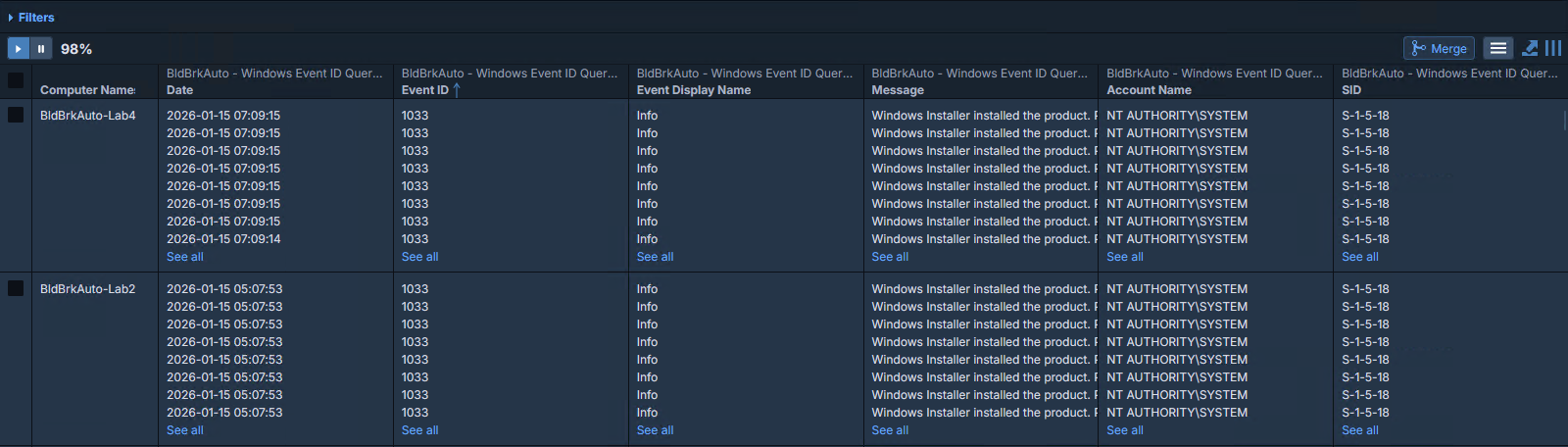
When you need to see MSI-based install / uninstall activity or, bless your heart, find the victims of whatever tortured soul is still using Win32_Product.
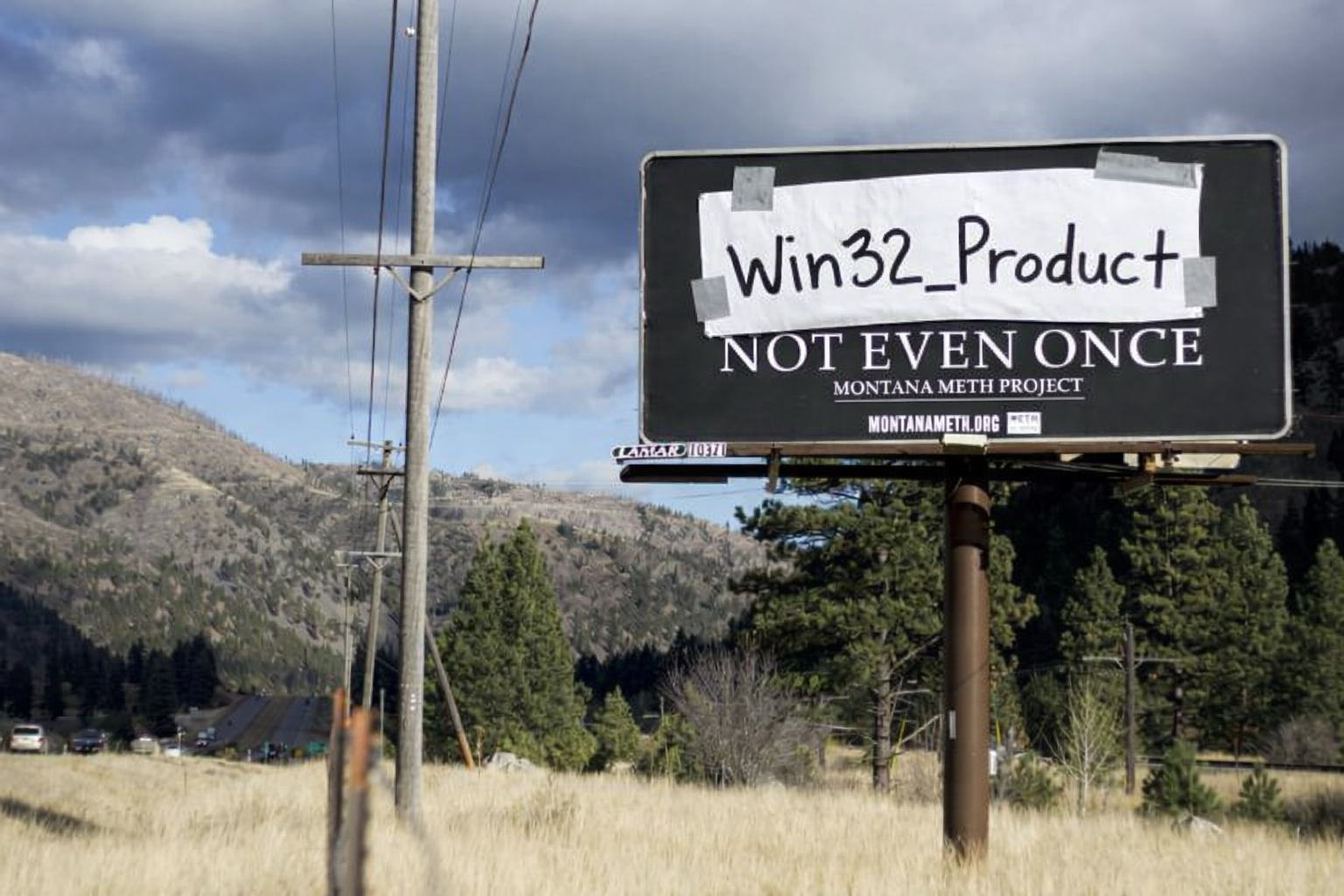
Win32_Product. Not even once.
| Parameter | Value |
|---|---|
| Days | 3 |
| LogName | Application |
| ProviderName | MSIInstaller |
| ID | 1033, 1034, 1040, 1042, 11707, 11708, 11724 |
Example Question
Get Computer Name and BldBrkAuto – Windows Event ID Query[2,”1033, 1034, 1040, 1042, 11707, 11708, 11724″,Application,MSIInstaller] from all entities with Windows OS Type equals Windows Workstation
Wrapping Up
One parameterized sensor. Any event log. Any provider. Any set of Event IDs.
Keep building, friends. And remember:
Brent M. Henderson
Build Break Automate LLC
https://buildbreakautomate.com
https://www.linkedin.com/in/brentmhenderson/
Disclaimer: Any code made available on this site is free to use at your own discretion but it is provided without any explicit or implied guarantees of support, reliability, or functionality. I accept no responsibility in the event that the code, in its original form or any derivative versions thereafter, malfunctions or causes problems . Anything from this site that you decide to work with should be tested thoroughly in development environments in collaboration with your Technical Account Manager (TAM) until such time that you, the responsible party, decides that you are satisfied with its outcomes.